FDIC-Insured - Backed by the full faith and credit of the U.S. Government
F&M Bank 
Online Banking

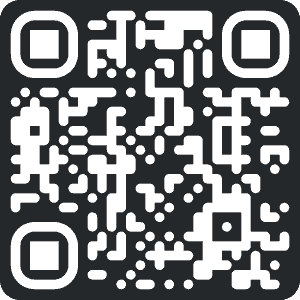
Download our app
Just scan the QR code and grab our mobile banking app—it’s super easy and makes banking a breeze!
Download our app
Tap the badge and grab our mobile banking app—it’s super easy and makes banking a breeze!
Deposit Checks from Anywhere
Skip the trip to the branch. With Mobile Deposit, you can securely deposit checks using your phone. Getting started takes just a few minutes.
New to Online Banking? Follow the instructions to enroll first.
Already enrolled? Jump to how to deposit a check below.
How to Mobile Deposit a Check
- Log in to the F&M mobile app
- Select Mobile Deposit
- Choose Deposit Check
- Enter the check amount
- Select the account for deposit
- Take photos of the front and back of your endorsed check
- Review and submit
Before you start:
- Endorse the check and write “For Mobile Deposit Only at F&M Bank”
- Make sure images are clear and well-lit
After you submit:
- You’ll receive confirmation your deposit was received
- Deposits are typically processed within 1–2 business days
- Keep your check for several days, then securely destroy it
Download our mobile banking app by searching “F&M Mobile – VA” in the App Store or Google Play. Look for our tree logo.
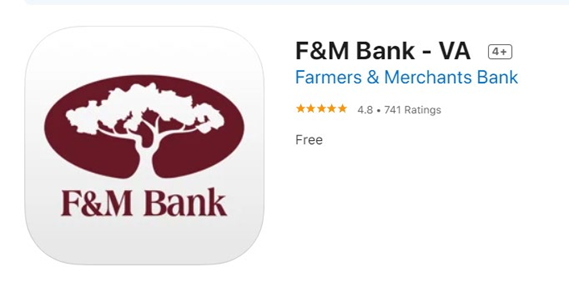
iOS and Android Users